The short answer: Google Search Console is the only rank data that comes from Google itself, and the best free trackers are the ones built on top of it. Everything else is a scraper with a schedule.
Here are the 8 free options worth using, with the real limits of each. Number 2 turns Search Console into a daily tracker with alerts, which is the setup most people actually want.
| # | Tracker | Data source | The real limit |
|---|---|---|---|
| 1 | Google Search Console | Google itself | Averages, 2 to 3 day delay, no alerts |
| 2 | Website Ranking Checker | Your Search Console data | Free with a Keywords Everywhere plan |
| 3 | SEO PowerSuite Rank Tracker | Scraped SERPs | Desktop app, manual runs |
| 4 | Whatsmyserp | Scraped SERPs | Spot checks, no history |
| 5 | Ubersuggest | Scraped SERPs | 25 keywords, weekly updates |
| 6 | Bing Webmaster Tools | Bing itself | Bing rankings only |
| 7 | Sheets + the GSC API | Google itself | You build it yourself |
| 8 | AI answer tracking | ChatGPT's answers | New surface, new tools |
Where rank data actually comes from
Every tracker on earth gets positions one of three ways. Knowing which is which explains every discrepancy you will ever see.
The 8 trackers, ranked
1. Google Search Console
The baseline everyone should have. The Performance report shows the average position of every query you appear for, with 16 months of history, free and unlimited.
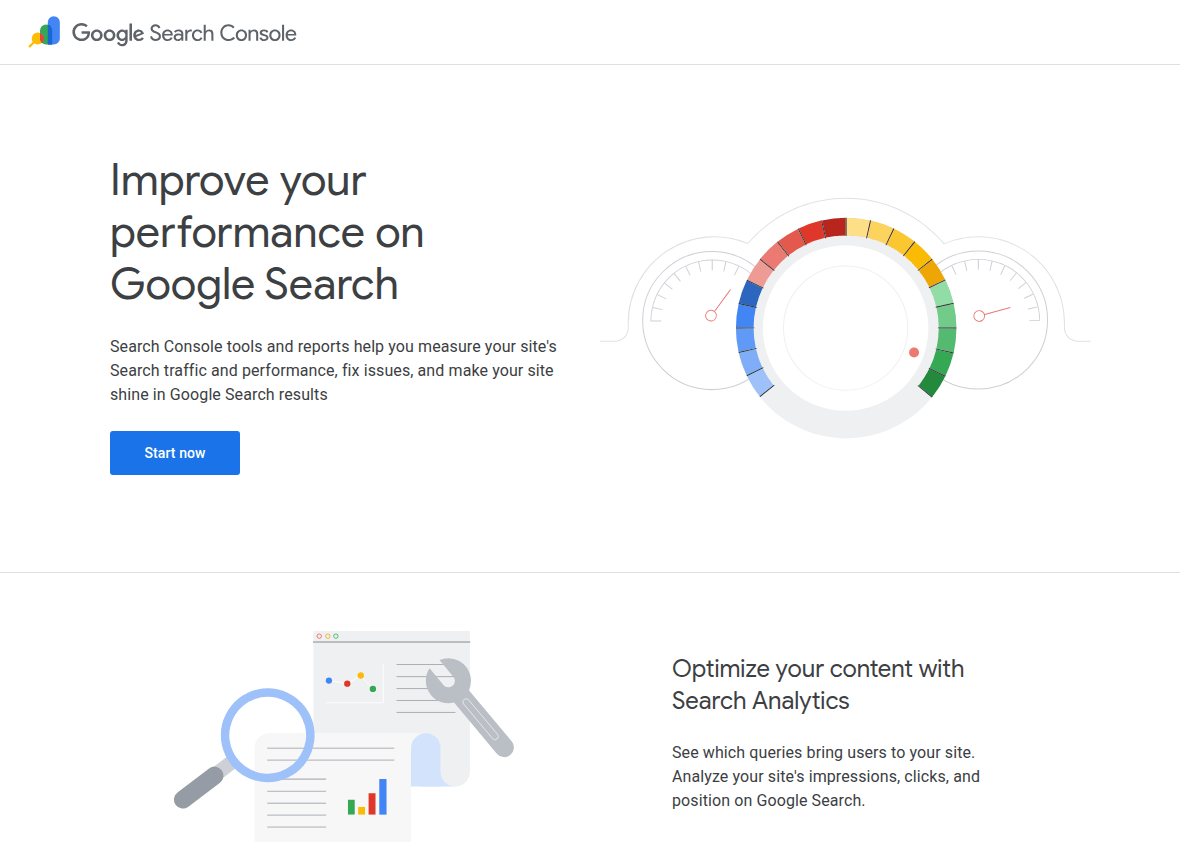
The catches are built in: data lags 2 to 3 days, positions are averages across all impressions, and nothing alerts you when a keyword falls. It is a data source more than a tracker.
Set it up at search.google.com/search-console either way, because half this list feeds on it.
2. Website Ranking Checker (Keywords Everywhere)
Website Ranking Checker is what you get when someone bolts the missing tracker features onto Search Console data. Connect your Google account and it turns those raw averages into daily positions with movement against yesterday, last week and last month.
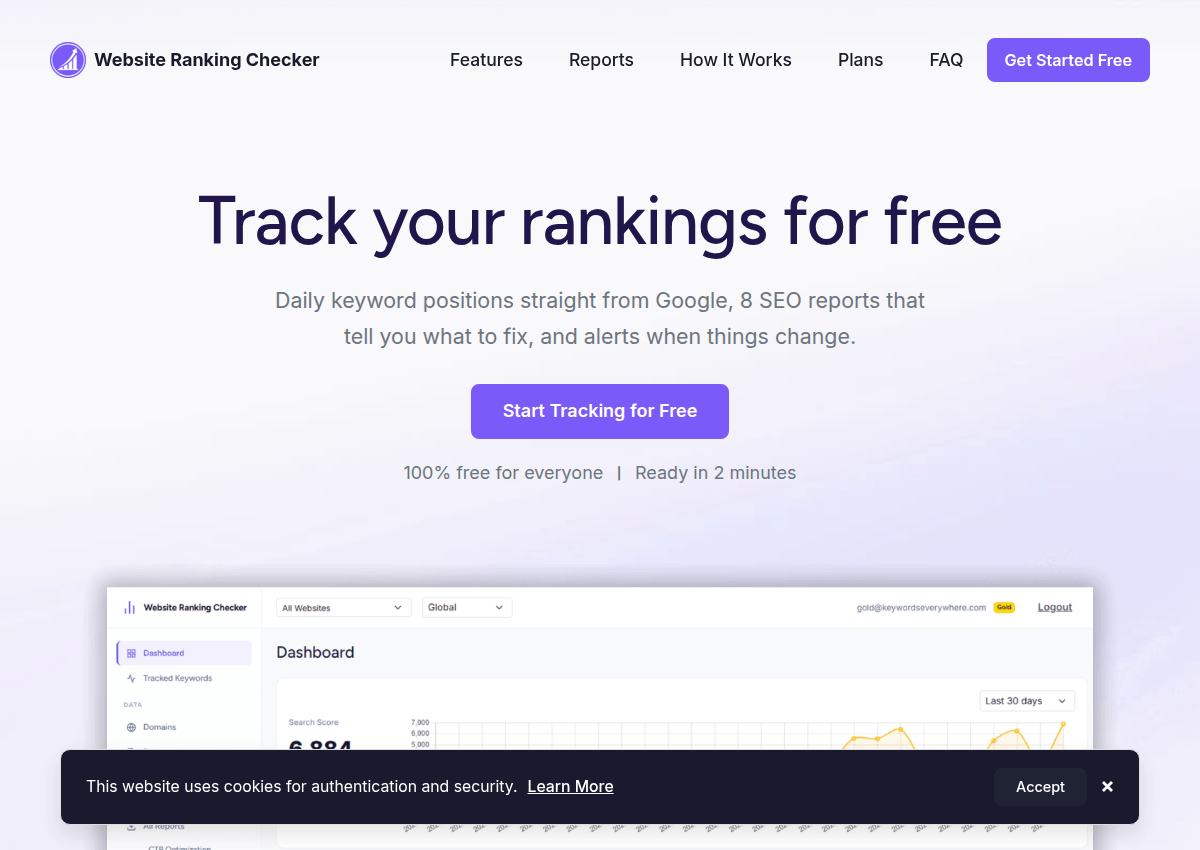
Email alerts fire when a keyword rises or falls past your threshold. So you stop checking dashboards and let drops come to you.
It also ships 8 prebuilt reports that answer real questions: Quick Wins (keywords sitting just off page one), Content Decay (pages sliding for weeks), Cannibalization (two pages fighting for one keyword), CTR Optimization (rankings fine, clicks missing) and four more.
The honest terms: it is free alongside any Keywords Everywhere plan, with tracking limits from 5,000 to 1,000,000 keywords depending on tier. It is built by the Keywords Everywhere team, which we say plainly, and its pitch is that most rank trackers charge $50 to $200 a month for scraped estimates while your Search Console already holds the real numbers.
3. SEO PowerSuite Rank Tracker
Rank Tracker is desktop software with a genuinely unlimited free version: as many keywords as you want, checked from your own machine. That unlimited free tier is rare and earns the spot.
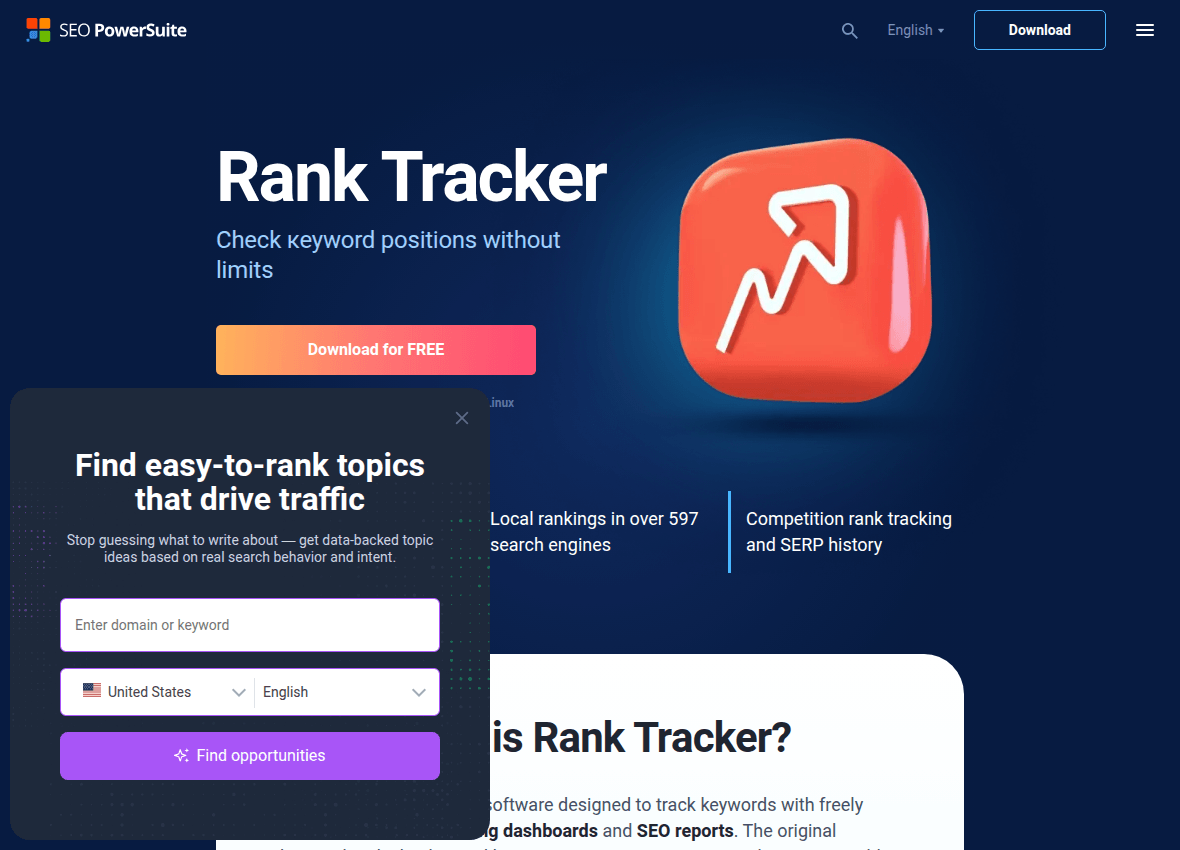
The trade is that you run it manually and your machine does the checking. Fine for a weekly deep look, wrong for daily automation.
4. Whatsmyserp
Whatsmyserp: type a domain and a keyword, pick a location, get the position. No signup, no history, no waiting.
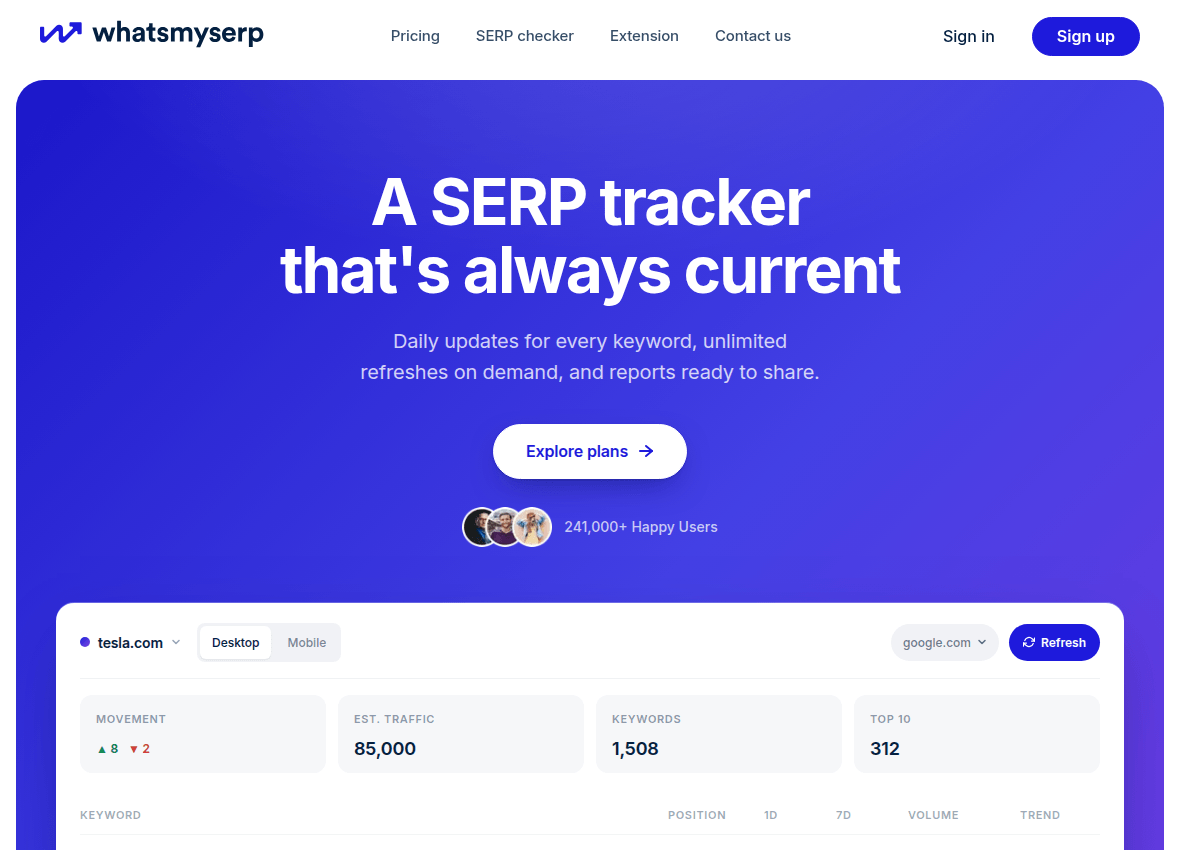
It is the tool for "where do we rank for this right now" moments. Nothing more, and it does not pretend otherwise.
5. Ubersuggest
Ubersuggest's free plan tracks up to 25 keywords per project with weekly updates and a readable dashboard. It also bundles basic competitor comparison.

Weekly cadence and a 25 keyword cap make it a starter option. Good first tracker, quickly outgrown.
6. Bing Webmaster Tools
The forgotten twin of Search Console, with your Bing queries, positions and clicks, free with an account at bing.com/webmasters. Bing's volume is smaller but the data is first-party.
It matters more than it used to: AI assistants lean on search indexes, and being visible in more than one index is quietly becoming worthwhile.
7. Google Sheets + the Search Console API
The DIY option: pull your GSC data into a spreadsheet on a schedule and chart whatever you like. Free, unlimited and entirely yours.
The cost is your time. If you enjoy building dashboards, this is a fun afternoon, and if not, number 2 already did it.
8. AI answer tracking
A growing share of product and tool discovery now happens inside ChatGPT, where there is no position, only whether you get recommended. Classic trackers cannot see it.
The simple manual version: ask ChatGPT your customers' questions once a month, in a few phrasings, and note who gets named. Purpose-built trackers are emerging too, with paid platforms like Profound at the enterprise end and free options starting to appear.
Set alerts, stop staring
The point of daily tracking is not watching numbers wiggle. It is catching the one real drop among the hundred harmless wobbles.
A sane free setup: Search Console as the source, Website Ranking Checker on top for daily movement and alerts, and a monthly manual sweep with a spot checker for keywords you do not rank for yet.
Total cost: nothing. Total daily effort: reading the occasional email.
How we picked these
Every tool was set up against the same site in July 2026, and the limits listed are the ones we hit. Preference went to first-party data over scraping, and to free tiers that stay useful past week one.
One entry, Website Ranking Checker at number 2, comes from the Keywords Everywhere team, and we say so openly instead of hoping you will not notice. It earns the spot the same way everything else here does.
The one-line takeaway: your real rankings already live in Search Console for free. A tracker's job is to add the daily granularity and the alerts, and the good free ones do exactly that instead of selling scraped estimates back to you.